
Mastering WordPress SEO: A Complete Guide to Ranking Higher
Creating a beautiful WordPress website is only the first step in your digital journey. If you want people to actually find your content, you need to understand Search Engine Optimization (SEO). SEO is the practice of structuring your website and content so that search engines like Google can easily understand it and recommend it to users searching for your topics.
By default, WordPress is a very SEO-friendly platform, but out-of-the-box settings are not enough to secure a top spot on search engine results pages (SERPs). Let us dive into the core strategies, technical setups, and content practices you need to dominate search rankings.
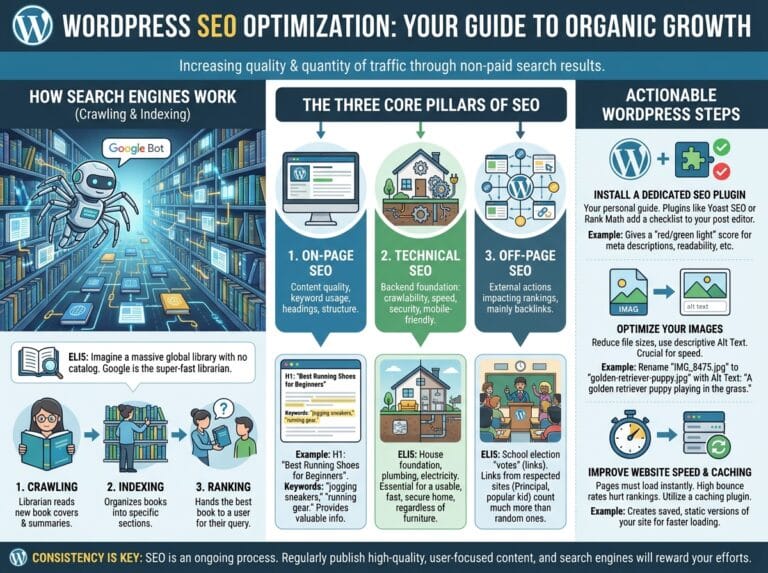
The Core Pillars of WordPress SEO
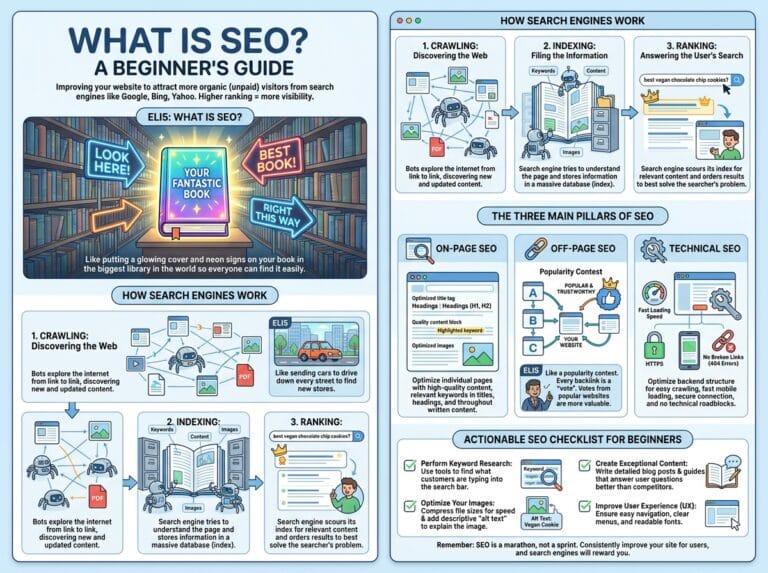
To rank well, you need to satisfy both human readers and search engine algorithms. This requires a balanced approach across three main areas of SEO.
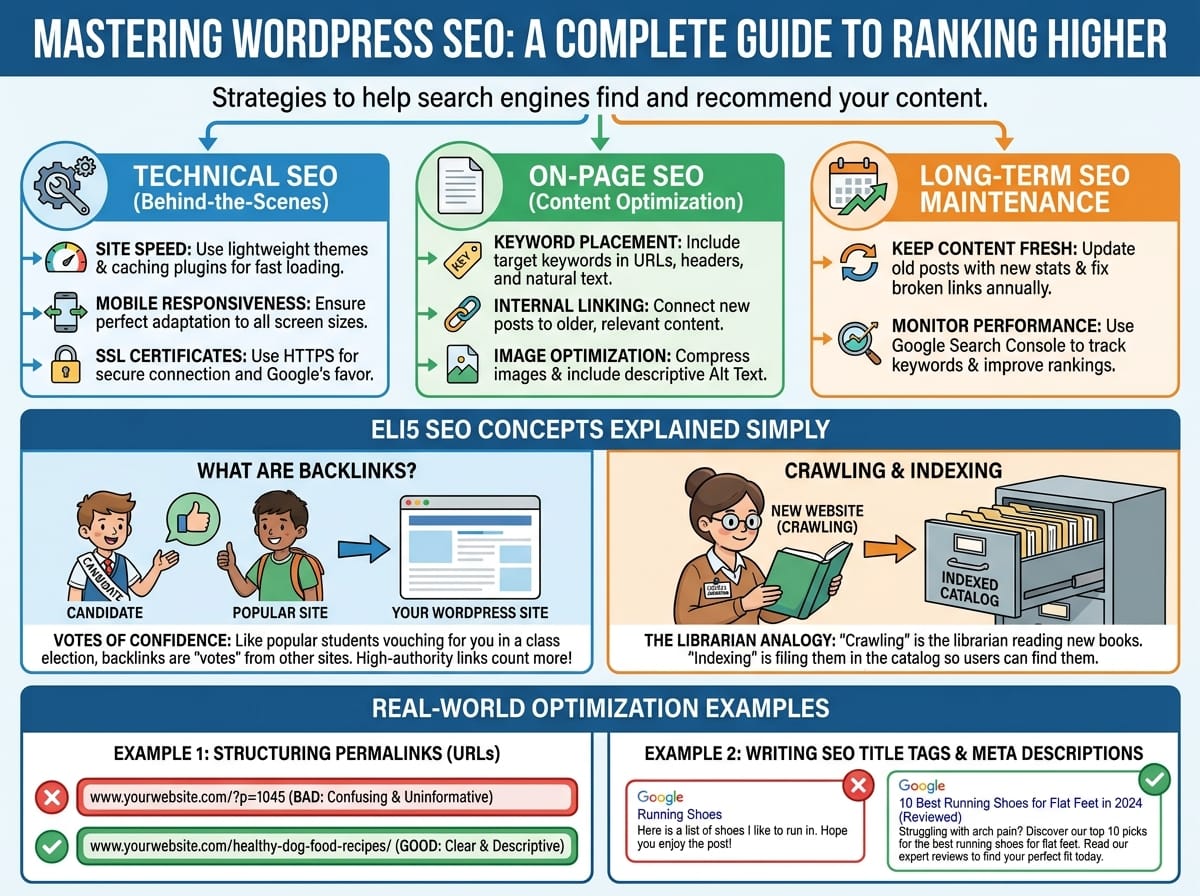
1. Technical SEO
Technical SEO refers to the behind-the-scenes settings that help search engines read your website. If your technical foundation is broken, even the best content will not rank.
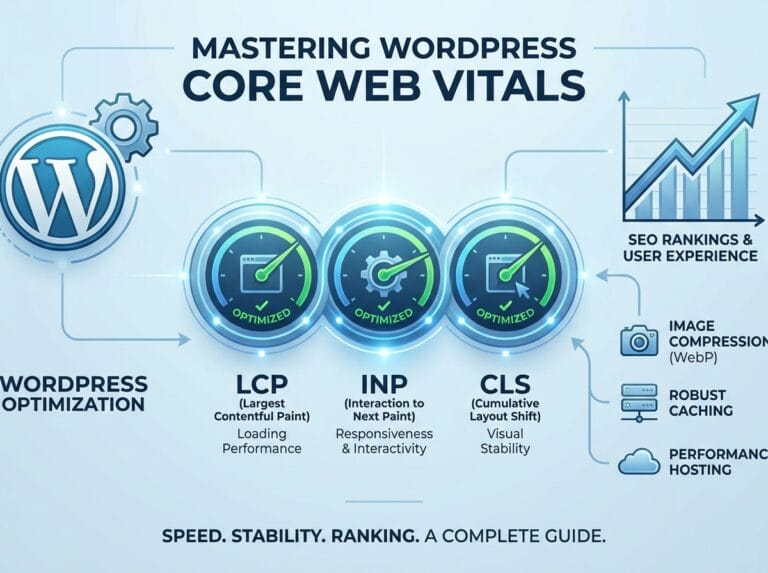
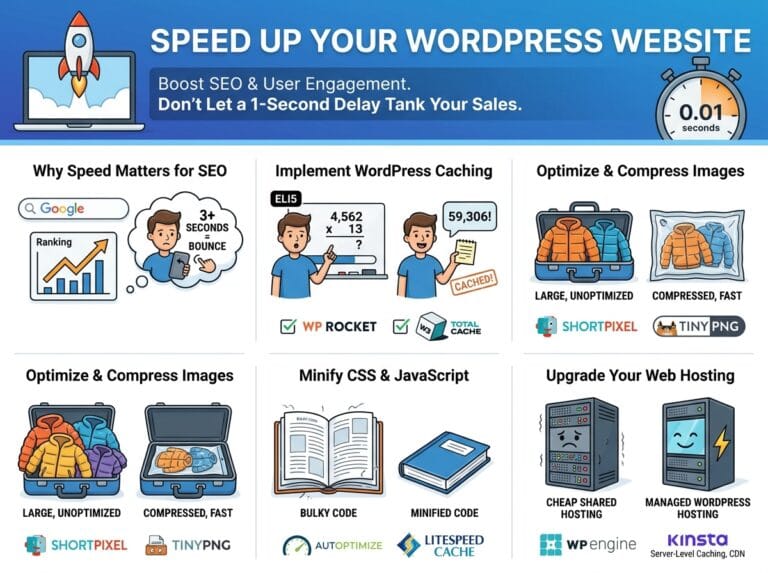
- Site Speed: Google prioritizes fast-loading websites. Use lightweight themes and caching plugins to speed up your WordPress site.
- Mobile Responsiveness: Over half of all web traffic comes from mobile devices. Your site must adapt perfectly to small screens.
- SSL Certificates: Ensure your website uses HTTPS. Search engines actively penalize insecure websites.
2. On-Page SEO
This involves optimizing the actual content on your pages. Search engines look for specific signals within your text to understand what the page is about.
- Keyword Placement: Include your target keyword in your URL, headers, and naturally throughout your text.
- Internal Linking: Link your new posts to older, relevant posts on your website. This helps search engines navigate your site.
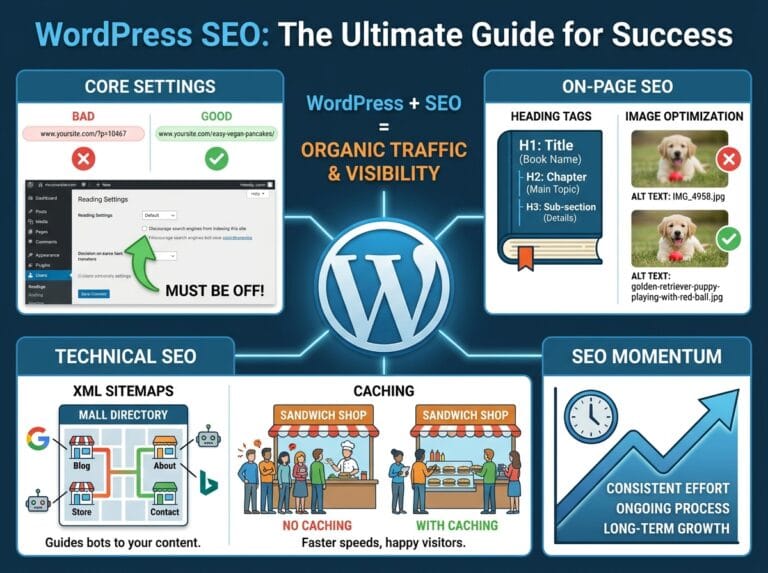
- Image Optimization: Always compress your images before uploading them to WordPress and include descriptive Alt Text.
Complex SEO Concepts Explained Simply (ELI5)
SEO is filled with technical jargon that can feel overwhelming. Let us break down a few of the most important, yet confusing, concepts.
ELI5: What are Backlinks?
Explain Like I’m 5: Imagine you are running for class president. Every time another student tells a friend, “You should vote for this person,” that is a vote of confidence. In the digital world, websites are the students. When another website includes a link pointing to your WordPress site, that is a “backlink.” It acts as a vote of confidence. If a very popular student (a famous, high-authority website) votes for you, it counts a lot more than a vote from someone nobody knows. Google counts these “votes” to decide who should be at the top of the search results.
ELI5: Crawling and Indexing
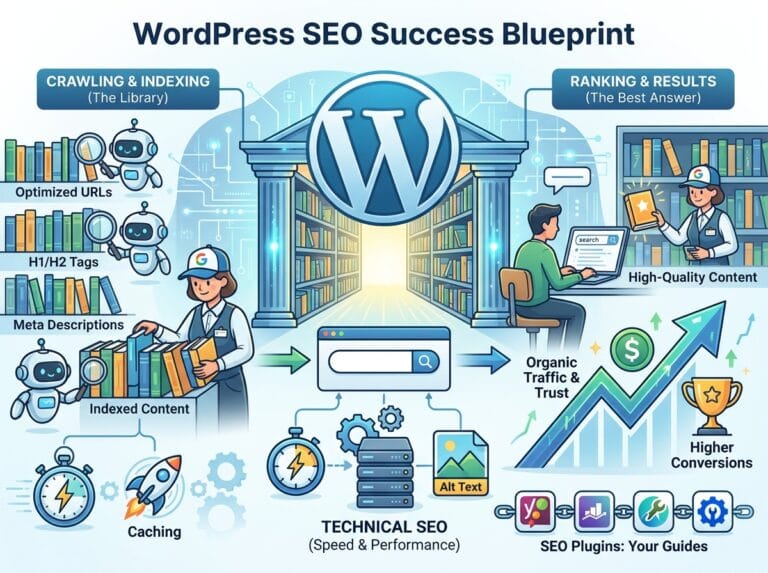
Explain Like I’m 5: Imagine the internet is a gigantic, messy library with billions of books (websites) scattered everywhere, and Google is the librarian.
Crawling is when the librarian walks around the library, picking up new books and speed-reading them to see what they are about. Indexing is when the librarian takes a book they just read and files it into the exact right section of the library catalog. If your website is not indexed, it is like your book was left in the basement; no matter how good the story is, no one will ever check it out because it is not in the catalog.
Real-World Examples of Optimizing WordPress Content
Theory is great, but applying it correctly is what drives organic traffic. Here are practical examples of how to apply SEO best practices directly in your WordPress editor.
Example 1: Structuring Your Permalinks (URLs)
Your URL tells search engines exactly what the post is about. WordPress often defaults to confusing URLs based on dates or random numbers. You must change this in your settings.
Bad Example: www.yourwebsite.com/?p=1045 (This tells Google absolutely nothing about the content).
Good Example: www.yourwebsite.com/healthy-dog-food-recipes/ (This clearly tells Google and the user exactly what to expect on the page).
Example 2: Writing SEO-Optimized Title Tags and Meta Descriptions
The Title Tag and Meta Description are what users see on the Google search results page. A good SEO plugin (like Yoast or RankMath) allows you to edit these easily.
Let’s say your target keyword is “Best Running Shoes for Flat Feet.”
Bad Optimization:
Title: Running Shoes
Meta Description: Here is a list of shoes I like to run in. Hope you enjoy the post!
Good Optimization:
Title: 10 Best Running Shoes for Flat Feet in 2024 (Reviewed)
Meta Description: Struggling with arch pain? Discover our top 10 picks for the best running shoes for flat feet. Read our expert reviews to find your perfect fit today.
Long-Term SEO Maintenance for WordPress
SEO is not a one-time task; it is an ongoing process. To maintain your search engine rankings, you need to regularly audit your site.
Keep Your Content Fresh
Google loves updated content. Once a year, go back to your old blog posts. Update outdated statistics, add new paragraphs with up-to-date information, and fix any broken links. This signals to search engines that your website is actively maintained and remains relevant to searchers.
Monitor Your Performance
Set up Google Search Console and connect it to your WordPress site. This free tool shows you exactly what keywords people are typing into Google to find you. If you notice a page is ranking on page two of Google for a specific phrase, you can go back, add that phrase to an H2 heading, expand the content, and push it up to page one.