
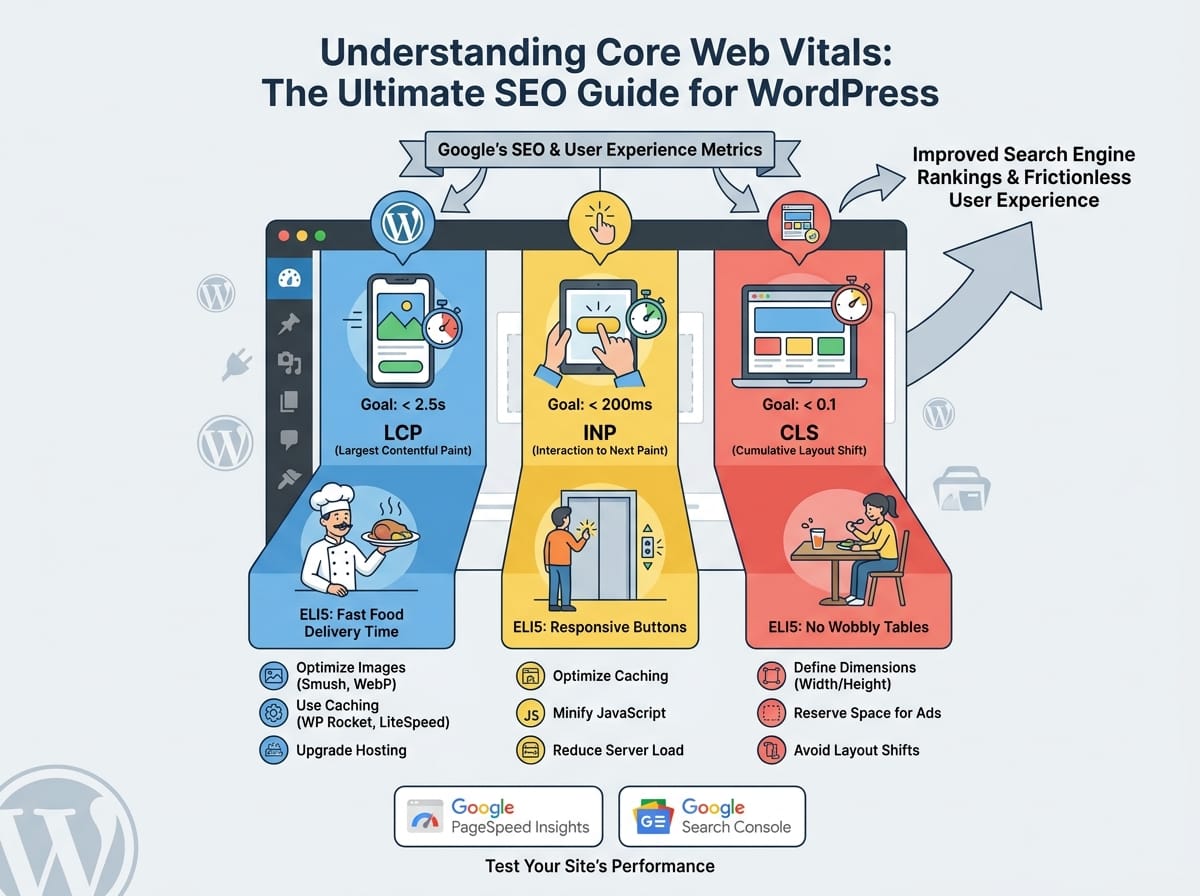
Understanding Core Web Vitals: The Ultimate SEO Guide for WordPress
If you manage a WordPress website, you have likely heard the term Core Web Vitals in SEO discussions. Introduced by Google, these performance metrics are crucial for both user experience and search engine rankings. But what exactly do they mean, and how can you optimize your WordPress site to pass Google’s strict tests?
What Are Core Web Vitals?
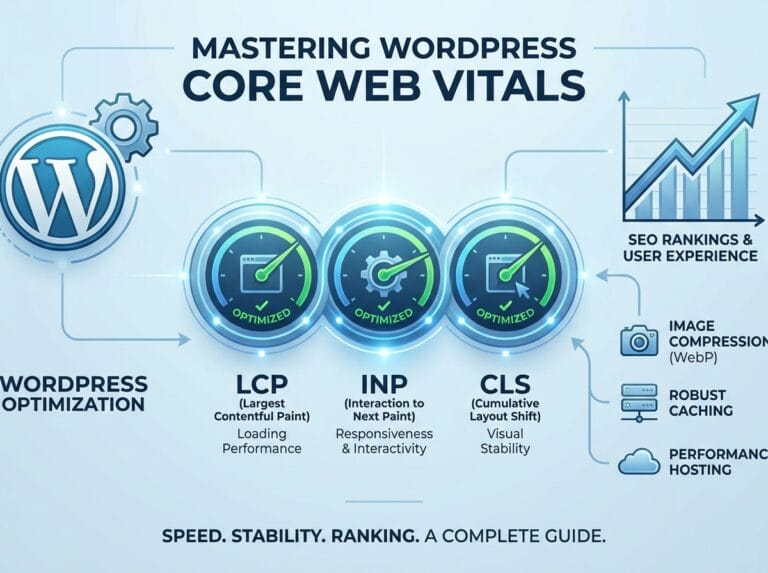
Core Web Vitals are a specific set of factors that Google uses to measure a webpage’s overall user experience. They do not judge the content itself, but rather the technical delivery of that content. They measure how fast a page loads, how quickly it becomes interactive, and how visually stable it is while loading.
ELI5 (Explain Like I’m 5): Imagine going to a restaurant. Core Web Vitals measure three things: how long it takes to get your food (loading speed), how quickly the waiter responds when you ask for extra napkins (interactivity), and whether the table wobbles and spills your drink while you eat (visual stability). If a restaurant fails at these three things, you won’t want to go back. Google treats websites exactly the same way.
Largest Contentful Paint (LCP)
LCP measures your site’s raw loading performance. Specifically, it tracks how long it takes for the single largest element on your screen (usually a hero image, a video, or a large block of heading text) to become fully visible to the user.
The SEO Goal: Your LCP should occur within 2.5 seconds of when the page first starts loading.
ELI5: Think of LCP as the time it takes for the main attraction of a magic show to appear on stage. If the audience has to stare at a closed curtain for too long, they get bored and leave the theater.
Interaction to Next Paint (INP)
INP (which recently replaced First Input Delay) measures website interactivity and responsiveness. It calculates the time between when a user interacts with a page—like clicking a button, tapping an accordion menu, or adding an item to a cart—and when the browser actually updates the screen to reflect that action.
The SEO Goal: An INP of 200 milliseconds or less is considered excellent.
ELI5: Imagine pressing the button to call an elevator. If the button doesn’t light up immediately, you might press it three more times thinking it’s broken. INP measures how fast that button lights up to tell you, “I heard you, the elevator is on its way!”
Cumulative Layout Shift (CLS)
CLS measures the visual stability of your website. It calculates how much the content on your screen shifts or jumps around unexpectedly as the page finishes loading in the background.
The SEO Goal: You should aim for a CLS score of 0.1 or less.
ELI5: Have you ever tried to tap a link on your phone, but right before your finger touches the screen, a banner ad suddenly loads at the top? The whole page gets pushed down, and you accidentally click the ad instead. That frustrating, accidental click is exactly what CLS measures and tries to prevent.
Why Core Web Vitals Matter for SEO
Google’s primary goal is to send searchers to websites that provide a frictionless, enjoyable experience. Because of this, Core Web Vitals are officially baked into Google’s ranking algorithm as a direct ranking factor.
Example: Let’s say you and a competitor both write an incredible, 2,000-word article on “How to Train a Puppy.” Your content is equally helpful. However, your competitor’s WordPress site is lightning-fast and stable, while your site takes 6 seconds to load and the text jumps around. Google will rank your competitor’s site higher in the search results because it offers a better technical experience to the reader.
How to Test Your WordPress Site’s Performance
Before you can optimize your site, you need to establish a baseline. Google provides free tools to measure your Core Web Vitals:
- Google PageSpeed Insights: You can paste any URL into this tool to see your LCP, INP, and CLS scores for both mobile and desktop devices.
- Google Search Console: If your site is connected to GSC, navigate to the “Core Web Vitals” report. This is incredibly helpful because it shows you exactly which pages across your entire site are failing the tests based on real-world user data.
Top Ways to Improve Core Web Vitals on WordPress
1. Optimize Your Images (Improves LCP)
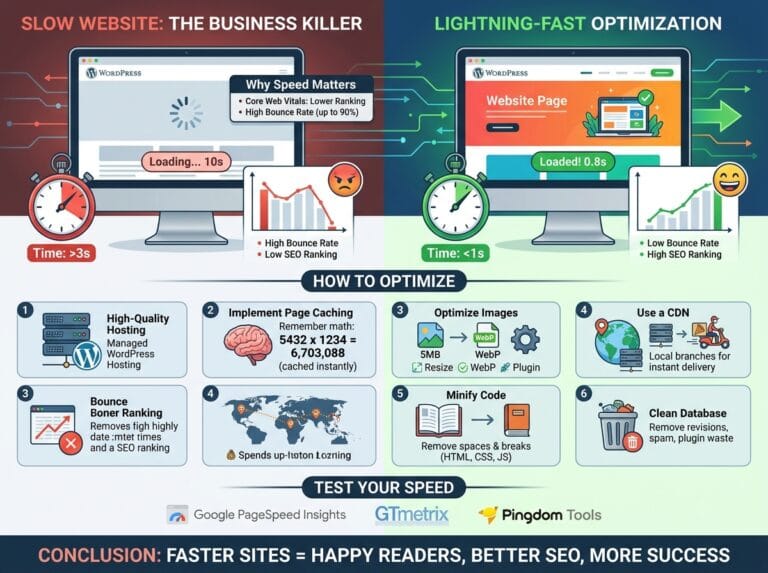
Large, uncompressed image files are the number one cause of a poor LCP score. Heavy files take longer to download from the server, keeping your users waiting.
- Compress your media: Use WordPress plugins like Smush, Imagify, or ShortPixel to automatically reduce image file sizes without sacrificing visual quality.
- Use Next-Gen Formats: Convert your standard JPEGs and PNGs to WebP formats, which are significantly smaller and faster to load.
2. Use a Caching Plugin (Improves LCP and INP)
Caching creates a static version of your webpage. Instead of your WordPress database having to build the page from scratch every single time a user clicks your link, the server hands them a ready-made, static HTML version.
ELI5: Instead of cooking a pizza from scratch every time a customer orders (uncached), you have a fresh slice already baked and sitting under a heat lamp, ready to hand to them instantly (cached).
Popular caching plugins include WP Rocket, LiteSpeed Cache, and W3 Total Cache.
3. Define Image and Ad Dimensions (Improves CLS)
To prevent content from jumping around as the page loads, your visitor’s browser needs to know exactly how much space to reserve for images, videos, and ads before they actually render.
Always ensure your media files have width and height attributes explicitly assigned in the HTML. While most modern WordPress themes (like GeneratePress or Astra) handle this automatically, you should double-check custom HTML blocks or third-party ad banners to ensure they have predefined sizes.
4. Upgrade Your Web Hosting (Improves All Metrics)
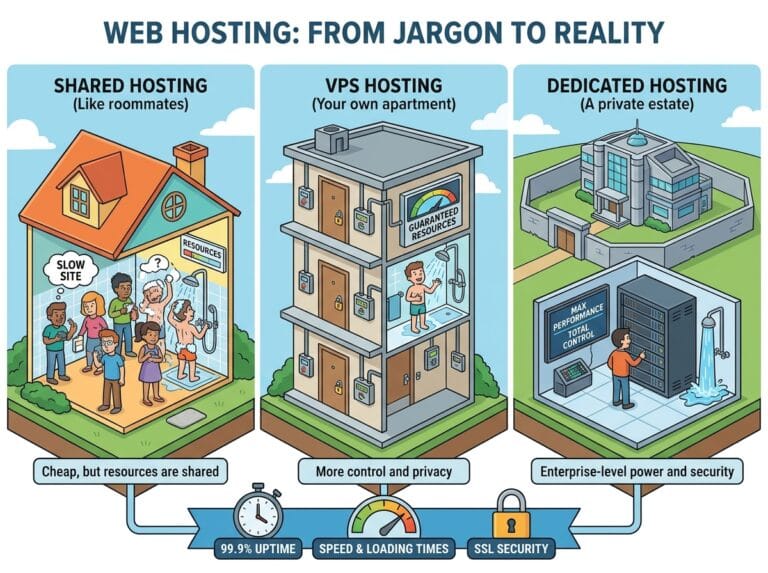
Your WordPress website is only as fast as the physical server it lives on. If you are using cheap, overcrowded shared hosting, your server response time (TTFB) will be inherently slow. This creates a bottleneck that drastically drags down your LCP and INP scores, no matter how many optimization plugins you use.
Investing in managed WordPress hosting (like Kinsta, WP Engine, or Cloudways) ensures your server is configured specifically for speed, providing the strong foundation required to pass Google’s technical SEO thresholds.