
A Complete Guide to Mastering Core Web Vitals in WordPress
Website speed and user experience are critical factors for ranking well on search engines. Google relies on a set of specific metrics known as Core Web Vitals to measure how users experience the speed, responsiveness, and visual stability of a page. Improving these metrics on a WordPress website directly translates to higher search rankings and happier visitors.
Understanding Core Web Vitals
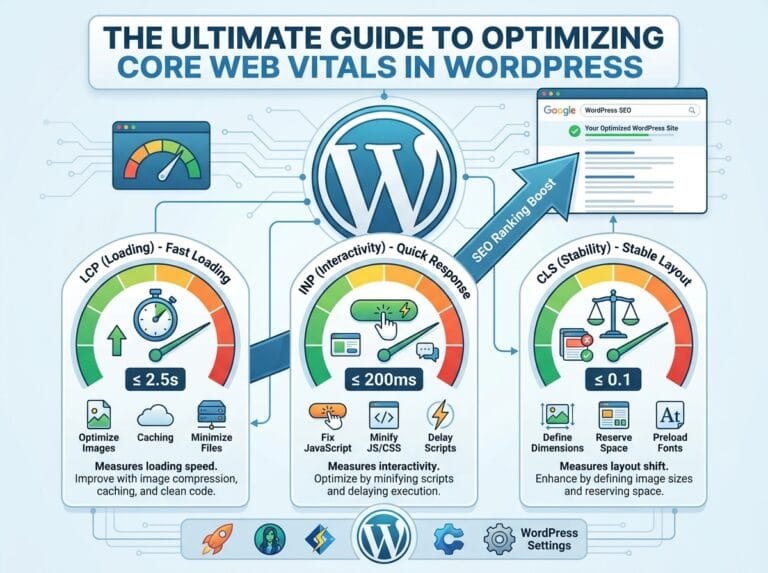
Google uses complex algorithms to evaluate websites, but Core Web Vitals break this evaluation down into three main pillars. Each pillar focuses on a different aspect of the user experience.
Largest Contentful Paint (LCP) Explained
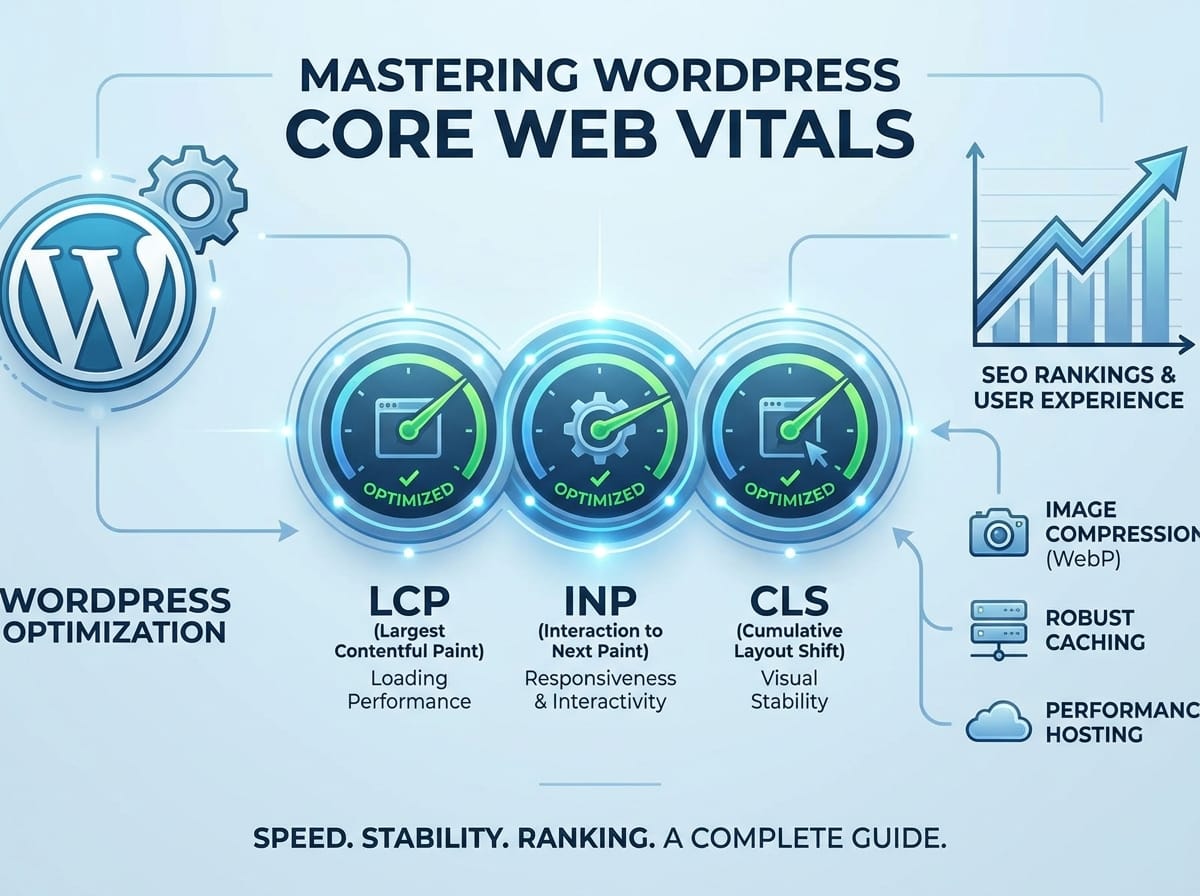
Largest Contentful Paint measures loading performance. Specifically, it tracks how long it takes for the largest piece of content on your screen to fully render and become visible. This content is usually a hero image, a featured video, or a massive block of text.
ELI5 (Explain Like I am 5): Imagine you are waiting for a meal at a restaurant. LCP is the exact moment the waiter places the main course on your table. Even if you received a glass of water earlier, the meal is not truly served until the main dish arrives. For a website, a good LCP means the main content is served in 2.5 seconds or less.
Example: If your homepage features a massive, uncompressed high-resolution banner image at the very top, visitors will stare at a blank space until that image downloads. Compressing that image will speed up your LCP drastically.
Interaction to Next Paint (INP) Explained
Interaction to Next Paint measures how quickly your website responds to user interactions. This metric replaced First Input Delay (FID). It tracks the time between a user clicking a button or tapping a link and the browser actually updating the screen to show the result of that action.
ELI5 (Explain Like I am 5): Think about ringing a doorbell at a friend’s house. INP is the time it takes from the moment you press the button to the moment you hear the chime inside. If you press the button and hear nothing for several seconds, you might think the doorbell is broken. A fast website should react to clicks in under 200 milliseconds.
Example: A user clicks the “Add to Cart” button on your WooCommerce store. If your site has heavy, poorly coded JavaScript running in the background, the site freezes for a second before the cart updates. This delay results in a poor INP score.
Cumulative Layout Shift (CLS) Explained
Cumulative Layout Shift measures visual stability. It calculates how much the elements on a webpage move around while the page is still loading. A stable page keeps text and buttons exactly where they first appeared.
ELI5 (Explain Like I am 5): Imagine you are trying to read a book, but someone keeps grabbing the book and shifting it up and down. You would lose your place constantly. CLS happens when a website loads an image or an ad late, pushing the text you were reading down the screen.
Example: You are about to tap a link that says “Read More,” but right before your finger hits the screen, a banner ad loads at the top of the page. The “Read More” link gets pushed down, and you accidentally click an ad instead. Giving images and ads specific width and height settings prevents this layout shift.
The Impact of Core Web Vitals on SEO
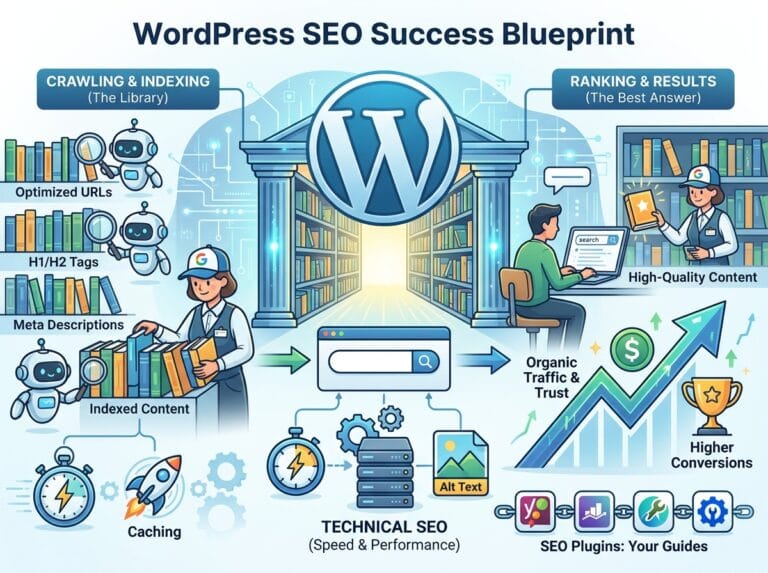
Search engines prioritize websites that provide seamless, fast, and frustration-free experiences. Core Web Vitals act as a direct ranking signal. When two websites have equally excellent content, the search engine will rank the site with better Core Web Vitals higher. Optimizing these metrics reduces bounce rates, increases time spent on the page, and ultimately drives more organic traffic to your WordPress site.
Actionable Methods to Optimize WordPress
Improving these metrics on a WordPress site requires a few strategic adjustments to how your website handles files and data.
Compress and Convert Images to WebP
Large image files are the most common cause of poor LCP scores. Modernizing your image delivery is an instant way to speed up your website.
- Use Next-Gen Formats: Convert traditional JPEG and PNG files to WebP. WebP maintains high visual quality but reduces the file size by up to 30 percent.
- Set Explicit Dimensions: Always assign exact width and height attributes to your images. This practice completely eliminates CLS issues because the browser knows exactly how much space to reserve for the image before it even downloads.
Implement a Robust Caching Solution
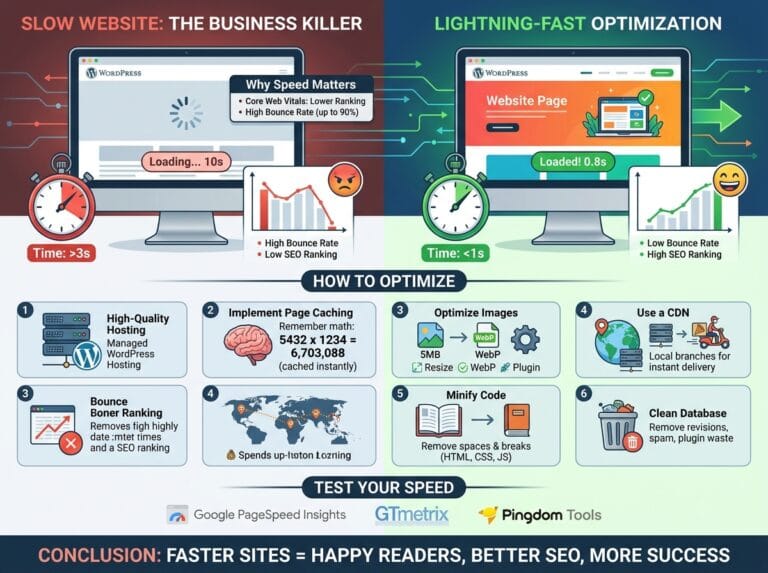
WordPress is a dynamic system. By default, every time a user visits your site, the server must process PHP code and query the database to build the page from scratch. This process hurts your INP and LCP scores.
ELI5 (Explain Like I am 5): Imagine building a complex Lego castle from scratch every single time a friend comes over to look at it. That takes a long time. Caching is like building the Lego castle once, taking a picture of it, and just handing your friends the picture. It is instant.
Example: Utilizing a caching plugin creates static HTML versions of your dynamic WordPress pages. When a user navigates to your blog, the server instantly delivers the lightweight HTML copy instead of running database queries.
Upgrade to Performance-Focused Hosting
Your optimization efforts will be limited by the physical server hosting your website. Shared hosting environments cram hundreds of websites onto a single server, leading to slow response times.
Investing in managed WordPress hosting provides your website with dedicated resources. Fast servers with solid-state drives (SSDs) and advanced server-level caching ensure that your website has the processing power required to pass the Core Web Vitals assessment with flying colors.